Run A Freezeria Tools
Two practical helpers: what to buy next, and how to copy a ticket without freezing mid-pour.
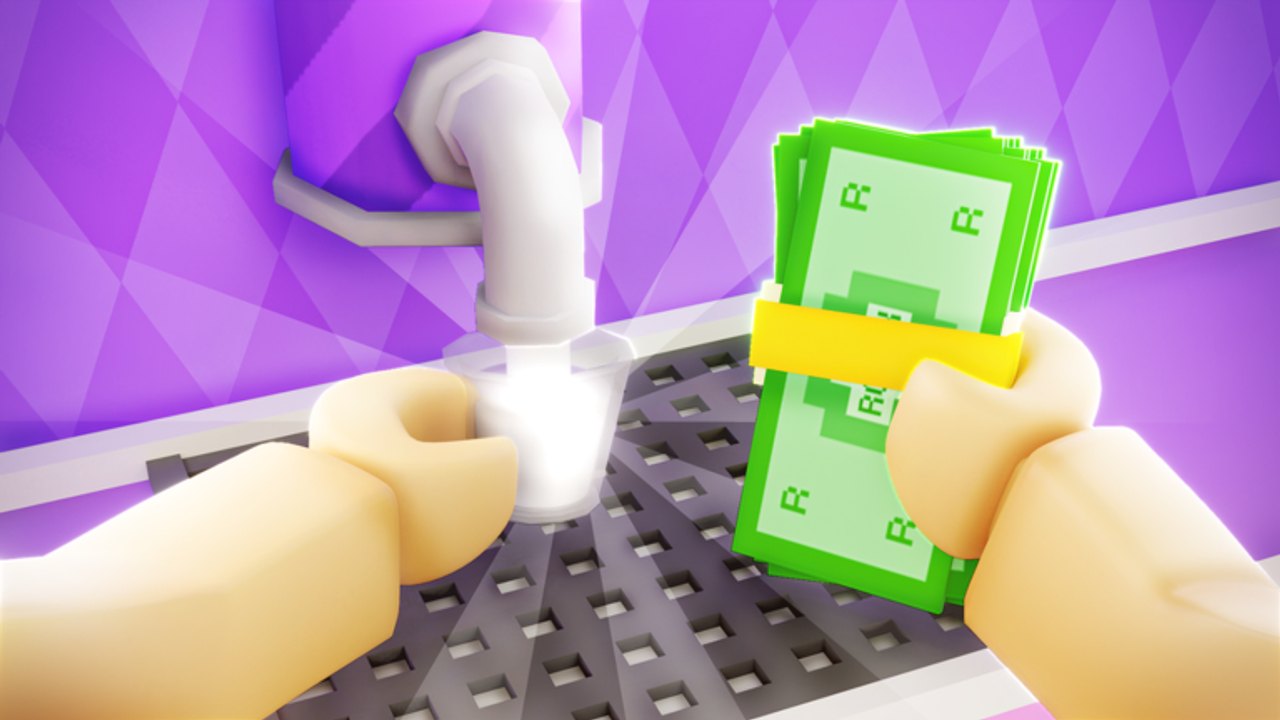
This hub is for helpers you can use mid-shift. It is not a Roblox executor and it is not a leaking spreadsheet of Deluxe recipes. Run A Freezeria already tells you the important machines in public. The tools below turn that into a buy order and a ticket order.
Start with the upgrade planner if you are holding cash from a Goal or a lucky rush. Start with the sundae checklist if you keep decorating a cup that was already the wrong size. Both pages assume you have read getting started at least once.
What belongs in Tools vs Guides
Guides teach. Tools are checklists you can reopen every session. The stations walkthrough explains Mix; the checklist is the box you tick so Mix is not forgotten. The upgrade tier list ranks items; the planner is the sequence you buy them in with the cash you have today.
If you wanted a script GUI, that is scripts, and you should read safety instead of looking for a “tool” that auto-clicks. These pages will never ask you to paste a loadstring.
Suggested use during a 20-minute session
- Open Goals.
- Open the checklist on a phone if your main screen is the kitchen.
- Serve a set.
- Open the planner, buy the next missing S-tier.
- Equip a scoring hat if the planner says the kitchen is already fast enough (hat tier list).
That is the whole loop. Tools that take longer than a blender have failed.
What we will add later
When named hats and exact upgrade prices are logged, the planner will get a cash column. When the ticket UI shows a stable field order, the checklist will match those labels character for character. We will not add a fake “secret menu builder” copied from Flash.
If a patch adds a fourth station, both tools will move the same day as the updates hub. Until then, Build, Mix, Top is the tool surface. Use them, then close the wiki and pour.
Print nothing. A paper sheet from last week will disagree with a Goals banner. The live planner and checklist are the printout. If you are coaching a friend in a 20-player server, send them the checklist URL rather than typing mix-in order in chat — chat is how wrong cherries happen. These tools also belong in the same bookmark folder as codes so a cash drop has a spend path waiting.
Frequently Asked Questions
Quick answers for new and returning sundae chefs.
Which tool should I open first?
Checklist if your grades are messy. Planner if your kitchen is still manual. Most new chefs need both.
Is this an in-game item?
No. These are wiki helpers. The in-game autos are shop upgrades.
Do you have a code generator?
No. Codes are listed only when verified on the codes hub.
Can I use these on mobile?
Yes. Pin the checklist in a browser tab. Landscape helps — see controls.