Run A Freezeria Controls
Keyboard, mouse, and touch habits that keep the pour meter under your thumb.
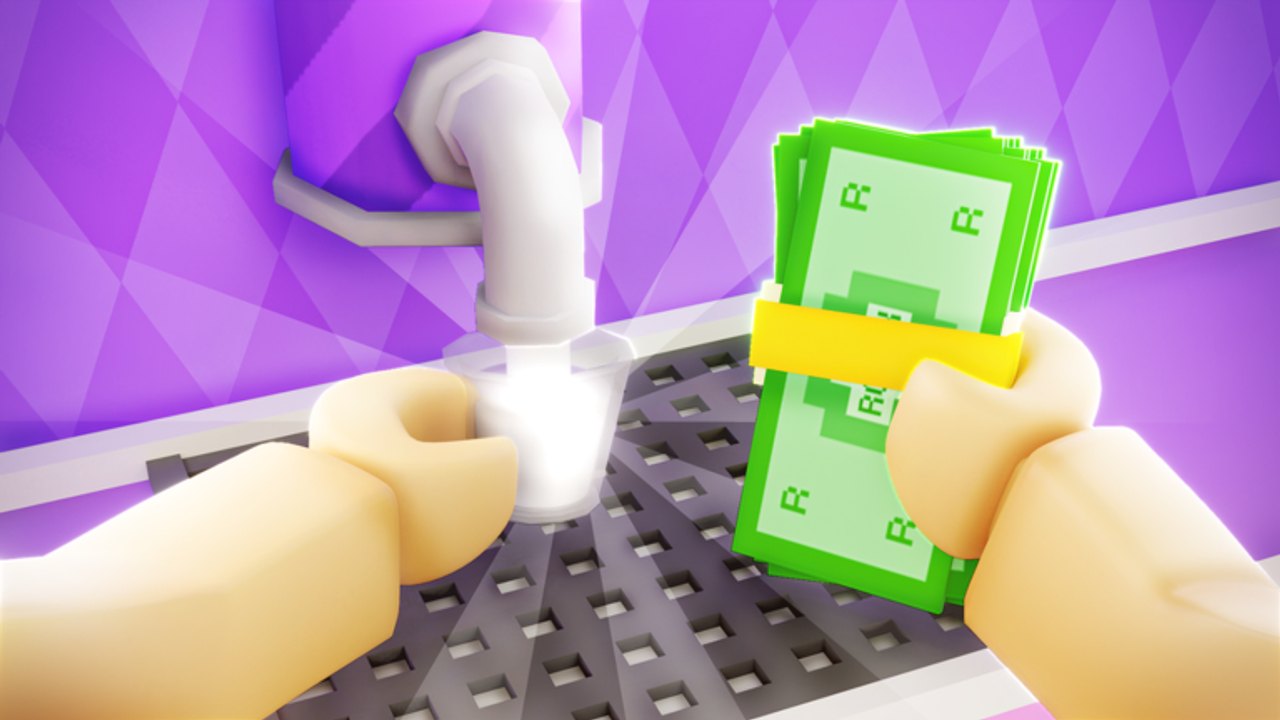
A sundae shop is a clicking game wearing a kitchen skin. If the camera orbits while you hold blender boost, the grade dies and it will feel like “the game is unfair.” This page is the controls and UX guide for Run A Freezeria on Roblox — PC and mobile — so stations can be about tickets instead of fight-the-HUD.
PC: mouse is the pour
Use a mouse. Trackpads miss the release window on Build. Left click (or tap) starts and stops the pour; treat it like a timing bar even if auto-pour later takes the job. Hover the blender boost without holding right-click-drag, or you will spin the kitchen. If Roblox camera is on follow, switch to a locked or classic cam in settings so a boost hold does not become a 360 tour.
Keybinds are otherwise Roblox-standard: WASD to move, Space to jump (you rarely need jump — jumping on Mix is how cups look silly in screenshots), Shift to sprint between counters. Sprint in straight lines. Strafing around a coworker in a 20-player server is better than jumping on the rail.
Pin the ticket UI. If a scale slider exists, shrink chat and emotes so they do not cover the meter. You cannot hit a perfect score you cannot see.
Mobile: thumbs and accidental jump
Give the pour button more real estate than the jump button. A lot of mobile misses are jumps. Increase HUD size enough to tap Mix, but not so much that the ticket truncates. Portrait is playable; landscape is kinder for three stations.
Do not put the device on a table and tap with one finger from far away. Build is a release skill. Sit so your thumb can tap and lift in one motion. If auto-pour is owned, mobile becomes much more about dragging to the next station — buy it with the upgrade planner if your hands hurt.
Haptic or vibration, if present, is a Mix cue. Do not mute the game fully until you own a ring alarm; that upgrade exists so you can hear customers while you are in Top. Details on the upgrade tier list.
Shared-server etiquette is a control
You will bump hitboxes. Walk around other chefs. Do not stand in the blender click box. If you split roles, the Mix player should stand where their boost click does not camera-clip the Top player. This is online multiplayer; your mouse is in someone else’s kitchen.
If input feels delayed, leave a full server. Redeem menus and pour meters both hate rubber-banding — the same advice as how to redeem codes.
Accessibility and comfort
Color: if mix-ins are close in hue, rely on the ticket text, not the bowl art. The sundae checklist is there so you are not guessing “the red one.” Reduce motion in Roblox settings if the shop’s tropical lighting is noisy. You do not need max graphics to grade a cup.
Take breaks. This loop is the same click cadence that made the Flash original famous. Sore wrists miss meters. Daily goals will still be there after a stretch.
Settings to check on first launch
- Camera mode that does not orbit on click-hold.
- Volume up enough to hear a ring alarm later.
- Graphics low enough for a stable pour on a crowded server.
- Shift-lock off unless you already play every Roblox game that way — it fights counter targeting for some players.
After controls feel boring, they are working. Go back to getting started if you have not spent your first cash, or to stations if you still mix the drizzle into Build. Hands first, meta second.
Frequently Asked Questions
Quick answers for new and returning sundae chefs.
Keyboard or mouse for pouring?
Mouse clicks for pour and boost. WASD is only for walking between counters.
Can I play on a phone?
Yes. Use landscape if you can, and buy auto-pour sooner if taps miss the meter.
Why does the camera spin when I mix?
You are drag-looking while holding boost. Lock the camera; see the PC section above.
Do I need a controller?
Not required. If you try one, confirm the pour is a press-and-release, not a hold-to-look stick.